
Top Stories
Urgent Alert: Understanding GPU Coil Whine’s True Nature Now!

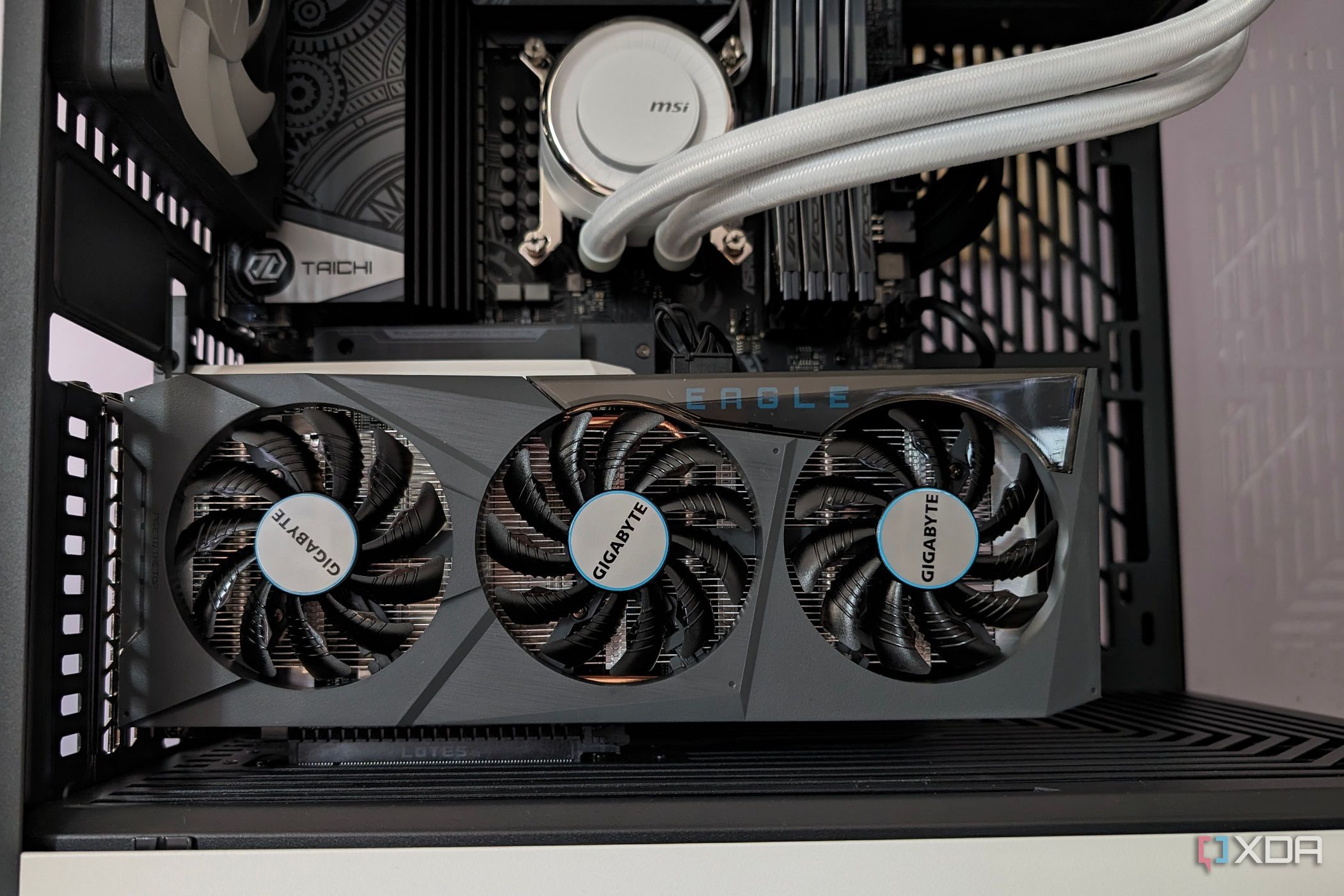
URGENT UPDATE: New reports confirm that the notorious high-pitched noise known as coil whine in graphics cards is not necessarily a sign of malfunction. This revelation comes at a critical time as gamers and tech enthusiasts face concerns about their hardware performance. Authorities in the tech community stress that coil whine is often a normal occurrence—especially under heavy load.
Coil whine is produced by the graphics card’s power delivery system, specifically from components called inductors. When the GPU converts high voltage from the 12V power supply unit (PSU) to a lower voltage, electromagnetic forces come into play, resulting in that infamous buzzing or chirping sound. This can happen even with brand-new models like the powerful RX 7900 XTX under high load conditions.
Many users mistakenly believe coil whine indicates a defective GPU. However, it is a sign of normal power delivery, especially in high-performance cards. As frame rates spike—sometimes exceeding hundreds or thousands of FPS—these electromagnetic fields shift, amplifying vibrations and creating the whine.
Tech experts reveal that coil whine can vary significantly from one graphics card to another, even among identical models. Differences in manufacturing tolerances, VRM designs, and component materials all play a role. Notably, premium GPUs are not exempt; they can exhibit this behavior if manufacturers prioritize electrical performance over sound dampening.
While coil whine is generally harmless, it can become a concern if accompanied by other alarming signs. Symptoms like random OS crashes, visual artifacts, or unexpected overheating may indicate deeper issues within the GPU. If the graphics card shows signs of burns or bulging capacitors during inspection, users should seek immediate troubleshooting assistance.
To combat coil whine, experts suggest capping the frame rate to stabilize GPU load, which can effectively reduce the noise. Users are encouraged to set their FPS limit just below their monitor’s refresh rate to prevent spikes. Additionally, undervolting the GPU or upgrading to a high-quality power supply can further alleviate the issue.
As the tech landscape continues to evolve, understanding coil whine is crucial for gamers and PC builders alike. While it remains a common phenomenon, awareness of its normalcy and potential for troubleshooting can empower users to optimize their systems effectively.
Stay tuned for more updates as the tech community continues to analyze coil whine and its implications for graphics card performance.

Cosmic Mystery Deepens: Where Are the Universe’s Defects?

Lady Bulldogs Shine in Postseason Awards Following Final Four Run

CALV Hosts Essential Class for Local Real Estate Professionals

Urgent Alert: “Spaving” Surges as Shoppers Overspend Online

Jefferies Initiates Coverage on Insmed with “Buy” Rating

Three Dog Night to Perform with Ambrosia at Mayo Civic Center

Urgent Announcement: Charles M. Payment Passes Away at 78

Houston Education Foundation Donates $4,592 for Student Programs

Beeks Financial Cloud Shares Drop 7% Amid Increased Trading Volume

Foreign Inflows into Japan Stocks Surge to ¥1.34 Trillion

University of Hawaiʻi Joins $25.6M AI Project to Monitor Disasters

Sydney Sweeney Embraces Body Positivity Amid Hollywood Challenges

Hudson Williams Gains Popularity as Breakout Star on Heated Rivalry

Urgent Farewell: Joleen Chaney Leaves Legacy at KFOR

Boeing’s Merger with McDonnell Douglas: A Strategic Move Explained

$1.25M Grant Advances Hawaiʻi’s Real-Time Hazard Monitoring

Derrick Dove and ABAC Band Set for Free Americana Concert

BOYNEXTDOOR’s Jaehyun Faces Backlash Amid BTS-TWICE Controversy
-
Business9 months ago
Foreign Inflows into Japan Stocks Surge to ¥1.34 Trillion
-
Science9 months ago
University of Hawaiʻi Joins $25.6M AI Project to Monitor Disasters
-
 Entertainment9 months ago
Sydney Sweeney Embraces Body Positivity Amid Hollywood Challenges
-
 Entertainment8 months ago
Hudson Williams Gains Popularity as Breakout Star on Heated Rivalry
-
 Top Stories9 months ago
Urgent Farewell: Joleen Chaney Leaves Legacy at KFOR
-
 World9 months ago
Boeing’s Merger with McDonnell Douglas: A Strategic Move Explained
-
 Science8 months ago
$1.25M Grant Advances Hawaiʻi’s Real-Time Hazard Monitoring
-
 Entertainment8 months ago
Derrick Dove and ABAC Band Set for Free Americana Concert
-
 Top Stories9 months ago
BOYNEXTDOOR’s Jaehyun Faces Backlash Amid BTS-TWICE Controversy
-

 Health6 months ago
Bodybuilder Eugene Teo Transitions to Mindful Movement for Health
-

 World7 months ago
San Francisco Airport to Host 16 Nonstop Airlines to Europe in 2026
-

 Top Stories7 months ago
National Coast Guard Museum Set to Open in 2027 After Funding Secured