
Top Stories
Discover 6 Essential Linux Terminal Hacks You Must Try NOW

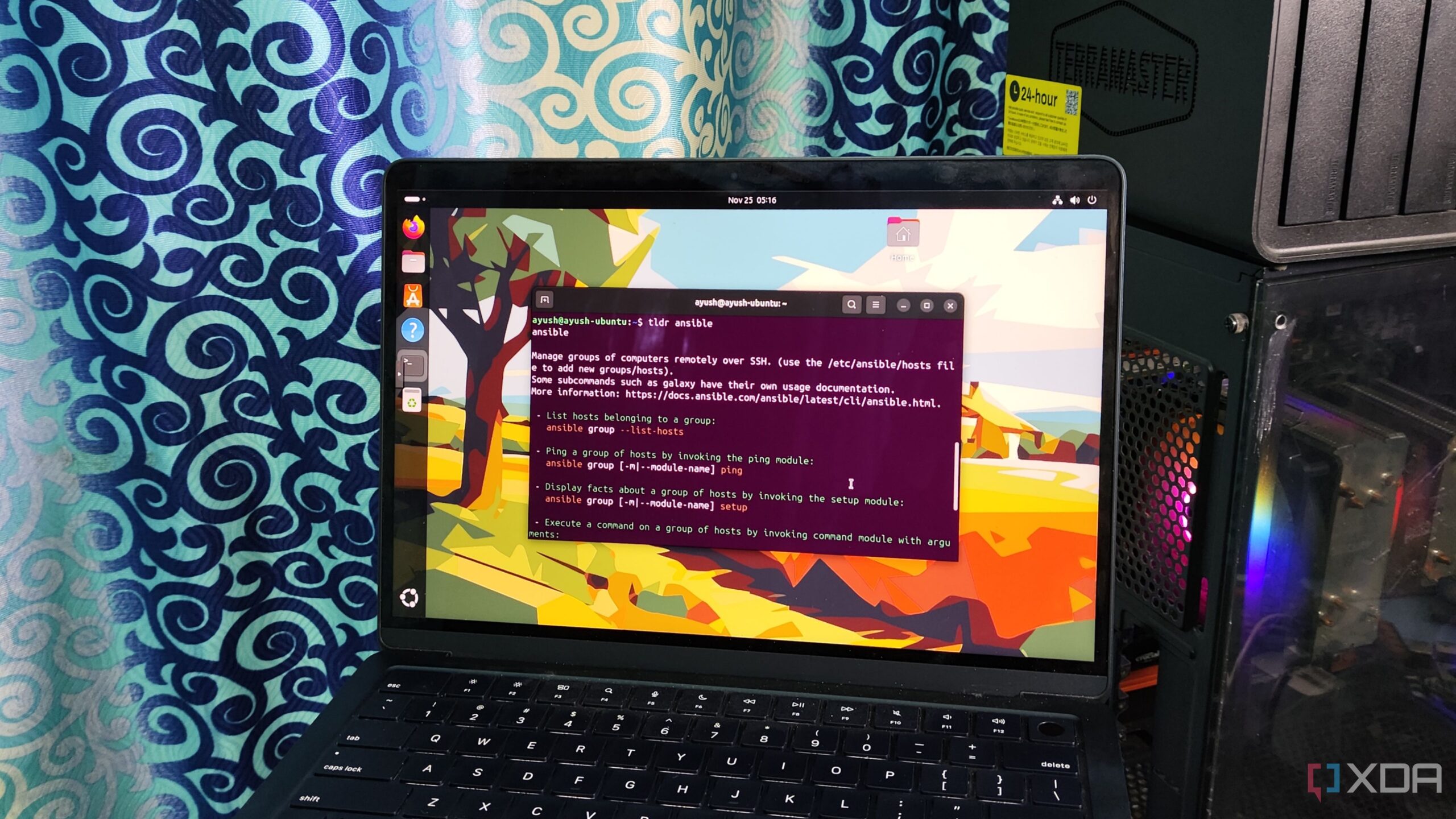
UPDATE: A new guide reveals six crucial Linux terminal habits that can transform your command-line experience—just in time for enthusiasts looking to boost their productivity. This guide is a must-read for anyone using Linux, especially for newcomers who may be intimidated by the command line.
As Linux continues to gain traction among tech users, understanding the terminal has never been more essential. With the rapid growth of communities around distributions like Raspberry Pi OS, mastering these terminal tricks can save you time and frustration.
1. Reusing Old Commands
One of the most common frustrations for Linux users is retyping commands. Fortunately, commands like !! and ! can help you quickly recall previous commands, even those run with sudo. This is especially useful when you need to execute the same command multiple times or correct a minor error.
2. Simplifying Help with tldr
Navigating lengthy manuals can be daunting. The tldr (too long, didn’t read) tool simplifies this process by summarizing essential commands for various applications, making it easier for users to get up to speed quickly.
3. Combining Commands for Efficiency
Efficient command-line usage often involves combining commands. Using operators like ;, &&, and ||, you can create streamlined workflows that depend on the success or failure of prior commands. This is crucial for troubleshooting and speeding up your tasks.
4. Troubleshooting with lsof
Even robust systems like Debian can encounter issues. The lsof command is invaluable for identifying processes that might be causing conflicts, such as port issues or services that are preventing drives from unmounting.
5. Managing Permissions Effectively
Many users make the critical mistake of running chmod 777 on files to avoid permission issues. This can lead to significant security risks. Instead, using chmod 755 or chmod 555 can help maintain security while allowing necessary access.
6. Automating Tasks with Cron Scripts
Automation is key in any efficient workflow. Utilizing cron scripts allows users to schedule tasks, such as backups and system checks, with precision. Despite the challenge of cron syntax, this tool significantly enhances operational efficiency.
These six Linux terminal habits are not just tips—they are essential practices that can elevate your command-line skills and enhance your overall experience. By embracing these strategies, users can avoid common pitfalls and become more adept in their Linux environments.
As the Linux community continues to grow, sharing these insights can help others navigate the complexities of the terminal. If you’re looking to enhance your productivity and streamline your Linux experience, start implementing these habits today!
For more updates and tips, stay tuned as we continue to cover the latest trends in technology and software development.

Knicks Dominate Raptors 116-94, Extend Home Win Streak to 10

Hallmark Premieres ‘Christmas at the Catnip Café’ Tonight!

Millville Woman Arrested After Threatening U-Haul Worker with Baton

Japan’s PM Takaichi Vows to Prioritize Fiscal Management NOW

Long Island Faces Disruptive Winter Weather Tuesday Morning

Urgent: 18-Year-Old Killed in Triple Shooting in Bronzeville

Shark Teeth Reveal Urgent Insights to Prevent Extinction

Englewood Church Members Reunite After Thanksgiving Fire

Mayor Names Alan Wong as District 4 Supervisor Amid Controversy

University of Hawaiʻi Joins $25.6M AI Project to Monitor Disasters

Foreign Inflows into Japan Stocks Surge to ¥1.34 Trillion

BOYNEXTDOOR’s Jaehyun Faces Backlash Amid BTS-TWICE Controversy

Carson Wentz Out for Season After Shoulder Surgery: Urgent Update

Marc Buoniconti’s Legacy: 40 Years Later, Lives Transformed

Innovative Surgery Restores Confidence for Breast Cancer Patients

Steve Kerr Supports Jonathan Kuminga After Ejection in Preseason Game

Kelsea Ballerini Launches ‘Burn the Baggage’ Candle with Ranger Station

Chicago’s Viral ‘Rat Hole’ Likely Created by Squirrel, Study Reveals
-
Science4 weeks ago
University of Hawaiʻi Joins $25.6M AI Project to Monitor Disasters
-
Business1 month ago
Foreign Inflows into Japan Stocks Surge to ¥1.34 Trillion
-
 Top Stories1 month ago
BOYNEXTDOOR’s Jaehyun Faces Backlash Amid BTS-TWICE Controversy
-
 Top Stories1 month ago
Carson Wentz Out for Season After Shoulder Surgery: Urgent Update
-
 Top Stories1 month ago
Marc Buoniconti’s Legacy: 40 Years Later, Lives Transformed
-
 Health1 month ago
Innovative Surgery Restores Confidence for Breast Cancer Patients
-
 Sports2 months ago
Steve Kerr Supports Jonathan Kuminga After Ejection in Preseason Game
-
 Lifestyle2 months ago
Kelsea Ballerini Launches ‘Burn the Baggage’ Candle with Ranger Station
-
 Science2 months ago
Chicago’s Viral ‘Rat Hole’ Likely Created by Squirrel, Study Reveals
-

 Entertainment2 months ago
Zoe Saldana Advocates for James Cameron’s Avatar Documentary
-

 Lifestyle2 months ago
Dua Lipa Celebrates Passing GCSE Spanish During World Tour
-

 Business2 months ago
Tyler Technologies Set to Reveal Q3 2025 Earnings on October 22