
Top Stories
Urgent Alert: Avoid 5 Costly Mistakes When Buying Intel N100 Mini PCs

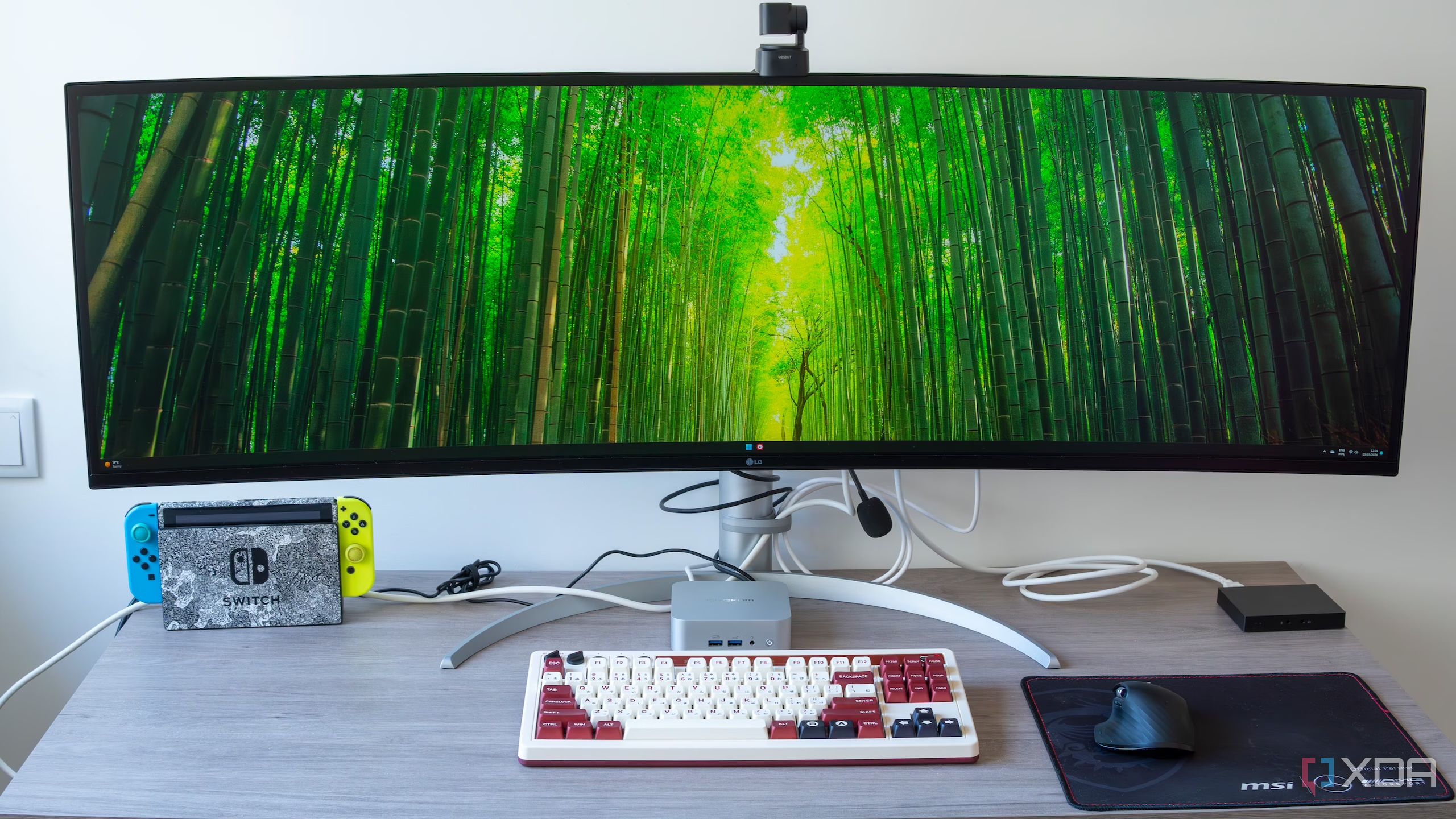
URGENT UPDATE: As consumers flock to purchase the Intel N100 mini PC, experts warn of five critical mistakes that can lead to major performance issues. With demand surging, it’s essential to get the right model to avoid pitfalls that could leave your system sluggish and unsatisfactory.
Many buyers are drawn to the N100 for its compact size, low noise, and affordability, but the market is flooded with nearly identical devices. This makes it easy for shoppers to overlook important specifications that can affect their daily experience.
1. Insufficient RAM: Don’t Settle for 8GB
One of the biggest missteps is opting for 8GB of RAM. While this may suffice for basic tasks, users often find it inadequate when multitasking. Web browsers can quickly consume memory, causing slowdowns during office work or streaming. Experts recommend choosing a model with 16GB of RAM from the outset, especially if you plan to run multiple applications simultaneously. This small upgrade can significantly enhance your overall experience.
2. Ignoring Storage Types: Speed Matters
Another common error is neglecting the type of storage. Some N100 PCs come with older SATA SSDs, which offer slower speeds compared to NVMe drives. Boot times and app launches can suffer dramatically, leading to frustration. Look for models supporting full-length M.2 2280 NVMe drives to ensure you have ample upgrade options in the future.
3. Overlooking Cooling Solutions
Many buyers assume low power consumption means minimal fan noise, but poorly designed cooling systems can lead to overheating. This can throttle performance during high-demand tasks like streaming or file installations. Vent placement is crucial; models with side vents often avoid airflow issues that can cause thermal slowdowns. Prioritize systems known for efficient cooling designs to maintain optimal performance.
4. Connectivity Confusion: Check Port Availability
Connectivity is easily overlooked. Many shoppers focus solely on HDMI outputs. However, having a system that supports dual 4K displays and includes a variety of USB ports can profoundly impact usability. Models with USB-C and 2.5GbE Ethernet connectivity offer enhanced performance for tasks like media streaming and home server duties. Always check the full range of ports before making a decision.
5. Brand Reputation: Quality Over Price
The surge in N100 models has led many consumers to opt for the cheapest option, often compromising on quality. Vendors differ in their quality control and firmware support, which can affect performance and longevity. Brands that offer regular updates are more likely to provide a reliable user experience. Investing in a reputable brand can save you from potential nightmares down the line.
As the Intel N100 mini PC market continues to grow, consumers must be vigilant. Understanding these pitfalls and taking proactive steps can ensure you choose a model that meets your needs and avoids common frustrations.
For anyone considering an Intel N100 mini PC, remember: the right specifications can transform your device from a simple gadget to a powerful tool. Make informed choices to ensure a smooth and enjoyable computing experience.

Hallmark Premieres ‘Christmas at the Catnip Café’ Tonight!

Millville Woman Arrested After Threatening U-Haul Worker with Baton

Japan’s PM Takaichi Vows to Prioritize Fiscal Management NOW

Long Island Faces Disruptive Winter Weather Tuesday Morning

Urgent: 18-Year-Old Killed in Triple Shooting in Bronzeville

Shark Teeth Reveal Urgent Insights to Prevent Extinction

Englewood Church Members Reunite After Thanksgiving Fire

Mayor Names Alan Wong as District 4 Supervisor Amid Controversy

Study Reveals Nitrous Oxide’s Potential in Treating Depression

University of Hawaiʻi Joins $25.6M AI Project to Monitor Disasters

Foreign Inflows into Japan Stocks Surge to ¥1.34 Trillion

BOYNEXTDOOR’s Jaehyun Faces Backlash Amid BTS-TWICE Controversy

Carson Wentz Out for Season After Shoulder Surgery: Urgent Update

Marc Buoniconti’s Legacy: 40 Years Later, Lives Transformed

Innovative Surgery Restores Confidence for Breast Cancer Patients

Steve Kerr Supports Jonathan Kuminga After Ejection in Preseason Game

Kelsea Ballerini Launches ‘Burn the Baggage’ Candle with Ranger Station

Chicago’s Viral ‘Rat Hole’ Likely Created by Squirrel, Study Reveals
-
Science4 weeks ago
University of Hawaiʻi Joins $25.6M AI Project to Monitor Disasters
-
Business1 month ago
Foreign Inflows into Japan Stocks Surge to ¥1.34 Trillion
-
 Top Stories1 month ago
BOYNEXTDOOR’s Jaehyun Faces Backlash Amid BTS-TWICE Controversy
-
 Top Stories1 month ago
Carson Wentz Out for Season After Shoulder Surgery: Urgent Update
-
 Top Stories1 month ago
Marc Buoniconti’s Legacy: 40 Years Later, Lives Transformed
-
 Health1 month ago
Innovative Surgery Restores Confidence for Breast Cancer Patients
-
 Sports2 months ago
Steve Kerr Supports Jonathan Kuminga After Ejection in Preseason Game
-
 Lifestyle2 months ago
Kelsea Ballerini Launches ‘Burn the Baggage’ Candle with Ranger Station
-
 Science2 months ago
Chicago’s Viral ‘Rat Hole’ Likely Created by Squirrel, Study Reveals
-

 Lifestyle2 months ago
Dua Lipa Celebrates Passing GCSE Spanish During World Tour
-

 Entertainment2 months ago
Zoe Saldana Advocates for James Cameron’s Avatar Documentary
-

 Politics2 months ago
Dallin H. Oaks Assumes Leadership of Latter-day Saints Church