
Top Stories
Urgent: 5 Home Networking Mistakes You Must Fix Now!

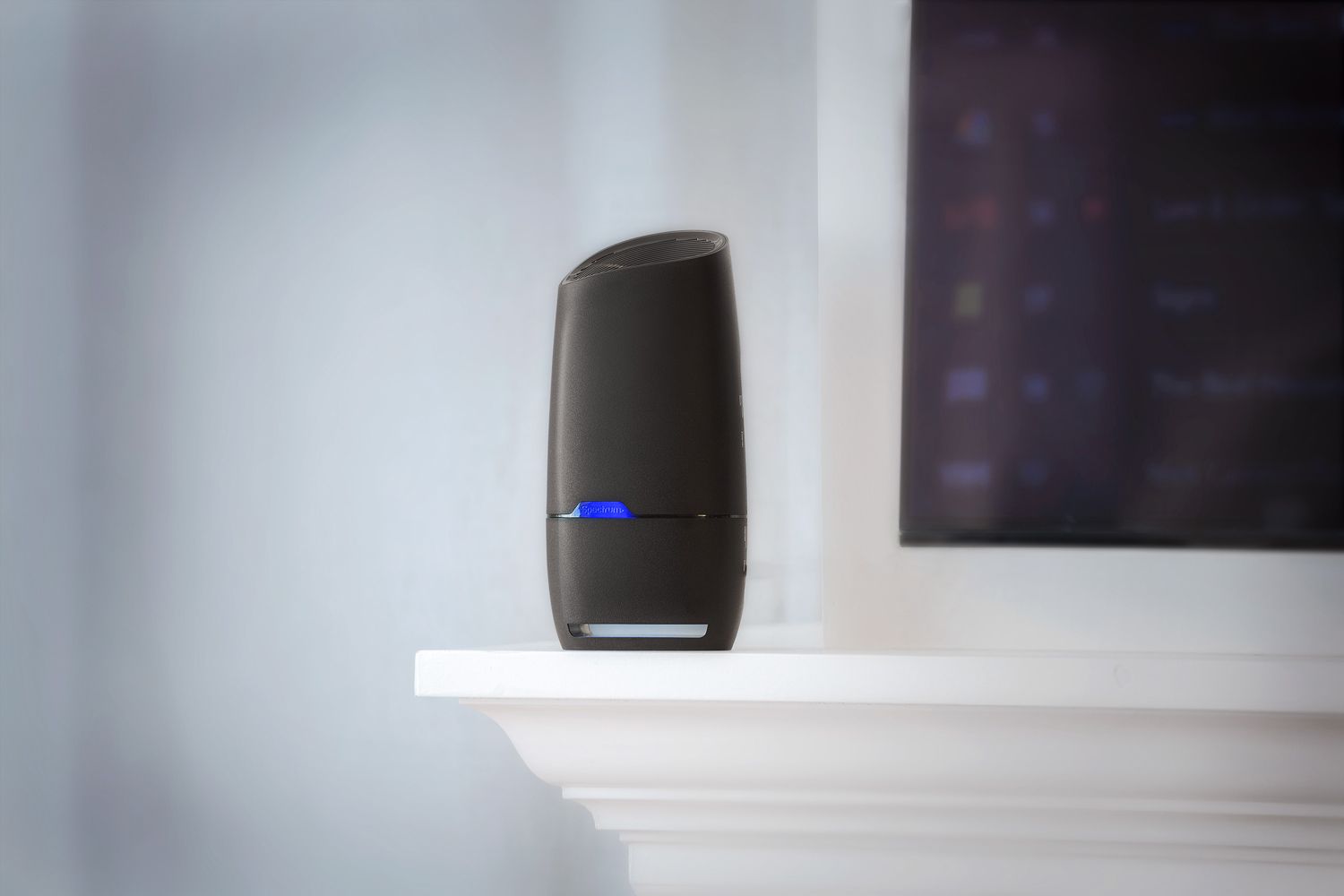
URGENT UPDATE: Many homeowners are making critical networking mistakes that could be slowing down their internet and compromising security. New insights reveal five common errors that are often overlooked, leading to significant performance issues and potential vulnerabilities.
As people increasingly rely on their home internet for work, gaming, and smart devices, the importance of a proper setup has never been greater. Just moments ago, experts identified these missteps that could leave your network exposed and inefficient.
1. Sticking with the ISP Router
One of the most prevalent mistakes is an unwavering reliance on the free router provided by your ISP. While convenient, these routers often become bottlenecks due to limited capabilities and outdated firmware. Experts recommend switching to a third-party router and enabling Bridge Mode on the ISP device. This simple adjustment allows for enhanced performance and more customization options.
2. Not Utilizing Wired Backhaul in Mesh Systems
For those using mesh networking systems, running Ethernet cables to satellite nodes is not enough. Users frequently forget to configure their router firmware to prioritize this wired connection. Without this adjustment, the system may still rely on slower wireless communication, reducing overall performance. Make sure to check your settings to ensure maximum efficiency.
3. Neglecting Guest Networks
Many homeowners fail to set up guest Wi-Fi, opting instead to share their primary network with visitors. This practice can expose smart devices to security risks, as unprotected IoT devices are often vulnerable. Every modern router includes a Guest Network feature, which isolates devices and enhances security without additional cost.
4. Buying Gaming Routers for Latency Issues
In a misguided attempt to fix lag in online games, many gamers invest in expensive gaming routers, believing they will resolve latency issues. However, experts stress that the best solution is connecting directly via an Ethernet cable. Wi-Fi cannot provide the same stability as a wired connection, resulting in wasted money and continued frustration.
5. Poor Router Placement
The physical location of your router can make a significant difference in performance. Placing routers in obscure corners or behind large electronics can severely obstruct Wi-Fi signals. For optimal performance, ensure routers are positioned in open spaces and use a Wi-Fi analyzer app to adjust the frequency settings away from crowded channels.
These five mistakes provide a substantial opportunity for improvement in home networking setups. As more people work and play from home, rectifying these issues can lead to faster connections and enhanced security.
WHAT TO DO NEXT: If you recognize any of these errors in your setup, take immediate action to rectify them. Don’t let outdated practices hold back your internet experience. For further information, tech experts recommend consulting your router’s manual or online support resources to get the most out of your home network.
Stay tuned for more updates on home technology improvements and security tips that matter to you today.

Urgent: 18-Year-Old Killed in Triple Shooting in Bronzeville

Shark Teeth Reveal Urgent Insights to Prevent Extinction

Englewood Church Members Reunite After Thanksgiving Fire

Mayor Names Alan Wong as District 4 Supervisor Amid Controversy

Study Reveals Nitrous Oxide’s Potential in Treating Depression

Walmart Launches Massive Cyber Monday Sales Starting at $5

Rep. Don Bacon Criticizes White House for Lack of Clarity on Ukraine

UK Report Reveals Rise of AI in University Research Evaluation

Florida Hires Jon Sumrall as Head Coach: Implications for FSU Football

University of Hawaiʻi Joins $25.6M AI Project to Monitor Disasters

Foreign Inflows into Japan Stocks Surge to ¥1.34 Trillion

BOYNEXTDOOR’s Jaehyun Faces Backlash Amid BTS-TWICE Controversy

Carson Wentz Out for Season After Shoulder Surgery: Urgent Update

Marc Buoniconti’s Legacy: 40 Years Later, Lives Transformed

Innovative Surgery Restores Confidence for Breast Cancer Patients

Kelsea Ballerini Launches ‘Burn the Baggage’ Candle with Ranger Station

Steve Kerr Supports Jonathan Kuminga After Ejection in Preseason Game

Chicago’s Viral ‘Rat Hole’ Likely Created by Squirrel, Study Reveals
-
Science4 weeks ago
University of Hawaiʻi Joins $25.6M AI Project to Monitor Disasters
-
Business1 month ago
Foreign Inflows into Japan Stocks Surge to ¥1.34 Trillion
-
 Top Stories1 month ago
BOYNEXTDOOR’s Jaehyun Faces Backlash Amid BTS-TWICE Controversy
-
 Top Stories1 month ago
Carson Wentz Out for Season After Shoulder Surgery: Urgent Update
-
 Top Stories1 month ago
Marc Buoniconti’s Legacy: 40 Years Later, Lives Transformed
-
 Health1 month ago
Innovative Surgery Restores Confidence for Breast Cancer Patients
-
 Lifestyle2 months ago
Kelsea Ballerini Launches ‘Burn the Baggage’ Candle with Ranger Station
-
 Sports2 months ago
Steve Kerr Supports Jonathan Kuminga After Ejection in Preseason Game
-
 Science2 months ago
Chicago’s Viral ‘Rat Hole’ Likely Created by Squirrel, Study Reveals
-

 Lifestyle2 months ago
Dua Lipa Celebrates Passing GCSE Spanish During World Tour
-

 Entertainment2 months ago
Zoe Saldana Advocates for James Cameron’s Avatar Documentary
-

 Politics2 months ago
Dallin H. Oaks Assumes Leadership of Latter-day Saints Church